




I've been loving the app. The audio restoration works amazing on my suno songs
Improve Suno Audio Quality
in One Pass
Fix metallic tone, hiss, and other common Suno artifacts.
SELECT RESTORATION TYPE
Or
Upload audio files
Drag & drop or click to browse (multiple files supported)
Supports: MP3, MPEG, MP2, MPGA, WAV, WAV, AIFF, AIF, AIFF, AIF, FLAC, AAC, OGG, OPUS, M4A, MP4, WEBM, WMA, ALAC, AMRMax size: 50MB.
How it works
Import Your Track
Paste a Suno link or upload the file.
Restore the Audio
Reduce metallic artifacts, harsh highs, and encoding damage thanks to specialized AI models that regenerate high frequencies
Master the Result
Use reference-based mastering for a cleaner tonal balance.
Fix the Source Before You Master It
If the track already has hiss, metallic tone, or smeared highs, normal mastering usually makes it worse. This example uses AudioSR with a 4kHz cutoff in mono to regenerate high frequencies before mastering.
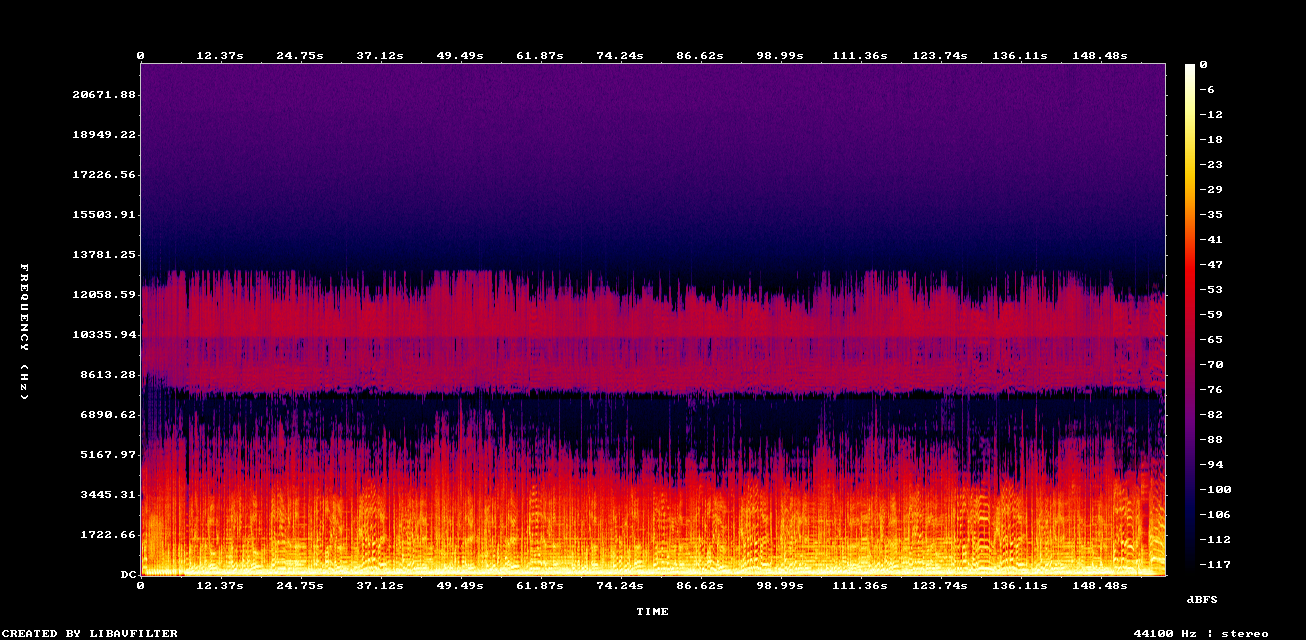
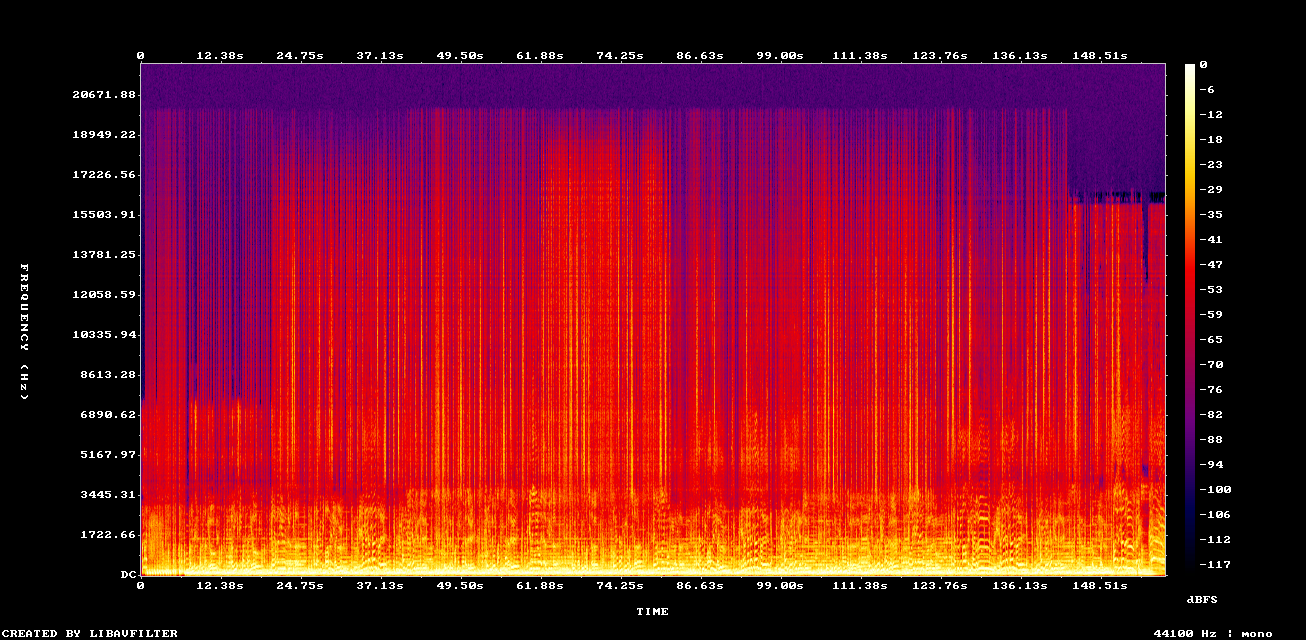
Example: AudioSR restoration before mastering (4kHz cutoff, mono)
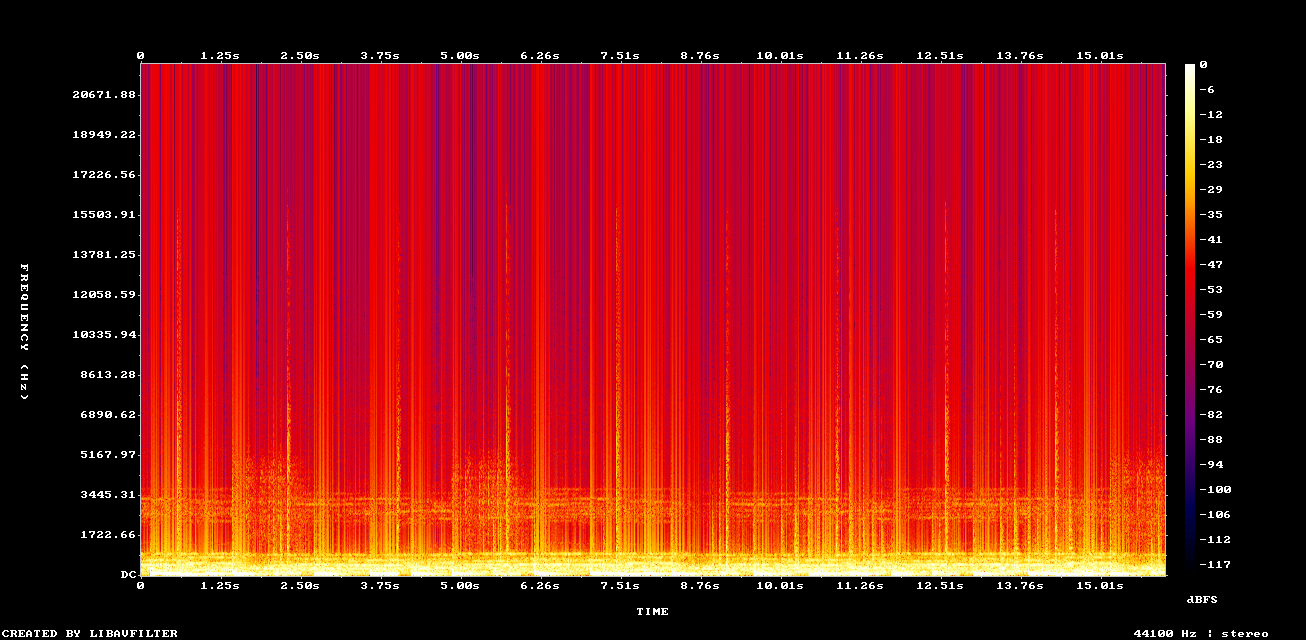
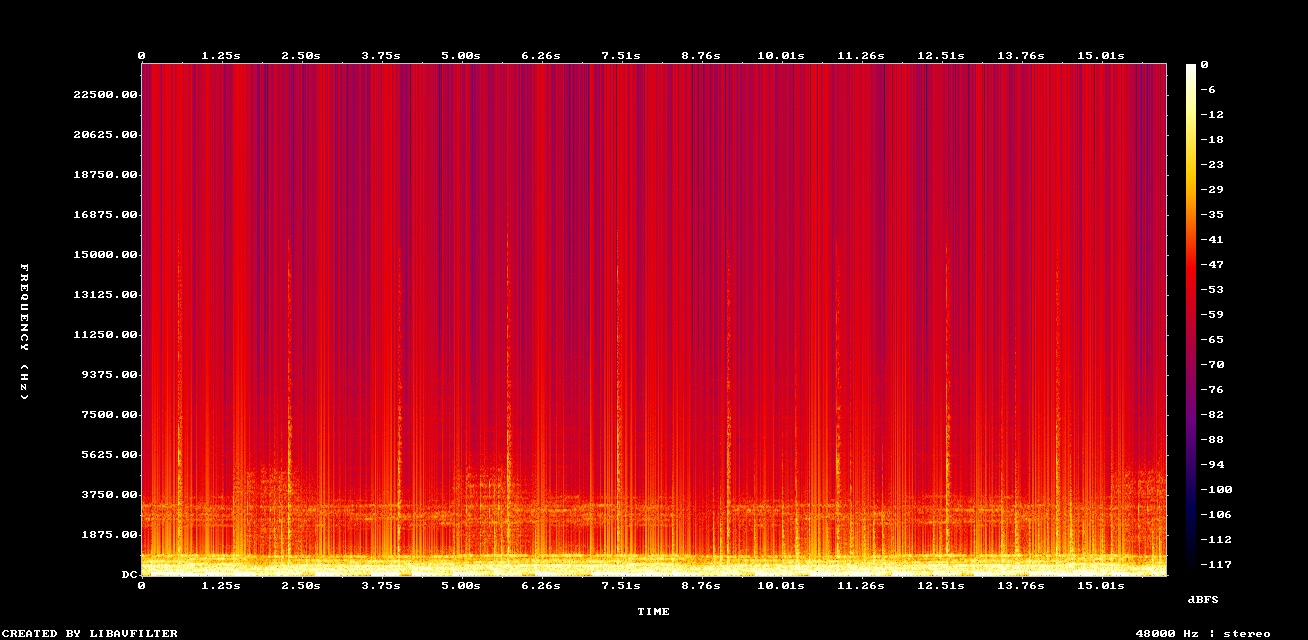
Example: Remove clipping texture and recover punch
What People Mean by "Suno Hiss"
It is usually not just hiss. What you hear is often a mix of metallic tone, AI shimmer, squeaky quality, high-pitched sound, weak transients, and a boxed-in midrange.
- Metallic or hollow vocals
- Shimmery highs and AI shimmer texture
- Squeaky quality on sustained notes
- "Aluminum can being rubbed" type top-end resonance
- High-pitched sound that feels detached from the mix
- Grainy highs and smeared reverb tails
- Boxed-in mids
- Weak drum transients
- Busy sections that collapse together
What You Can Do About It
Restore the damaged parts first, then master the cleaner file. That gives you a better chance of getting smoother highs, more natural vocals, and a mix that opens up instead of getting harsher.
Trusted by 7000+ music lovers

Neural Analog makes me feel like a monkey with an AK-47, in the best way possible

It worked! Well done :) Many thanks :))))

Wow thank you so much i upscale videos and take out live recordings from music because of my autism i hate the crowd
Listen to tracks made by our users
AI audio enhanced with Neural Analog
Built for AI-Generated Audio
Artifact Reduction
Target the common problems in generated music, including metallic tone, smeared highs, and weak transients.
Audio Restoration
Rebuild missing detail thanks to specialized AI model instead of only boosting EQ.
Reference Mastering
Shape the cleaned track toward a more natural tonal balance.
Better Translation
Help the track hold up better on headphones, speakers, and phones.
Frequently Asked Questions
For the best results: Restore first, then Master. Restoration rebuilds the high-end frequencies and removes muddiness. Mastering then takes that clean, full-range signal and optimizes it for commercial loudness.
No. Audio Restoration rebuilds missing frequencies from compressed audio (like 16kHz cutoffs). Auto mastering optimizes loudness and dynamics for streaming. For AI-generated music, using both services produces the highest quality results.
Restoration and mastering solve different problems. Many mastering services rely on multiband compression to boost or compress existing frequencies, so mastering without restoration can amplify artifacts instead of fixing the root quality issue.
Once your audio is restored, Automatic Mastering can polish it for professional release, with intelligent loudness optimization tailored to your track.
Audio restoration analyzes spectral content and removes lossy-compression "chirps" and "warbles", replacing them with coherent harmonic content.
Yes. However, for AI-generated MP3s, you can achieve even better results by first using Neural Analog's Audio Restoration service to rebuild missing frequencies, then mastering the restored file. This two-step process gives you the highest possible quality.
The mastering process preserves your original creative intent. Your track will sound clearer, more present, and competitively loud without sounding squashed or distorted.
Free audio editors or basic volume boosts simply turn everything up, which causes digital clipping, ruins your dynamic range, and makes harsh frequencies even harsher. Streaming platforms detect this distortion and will penalize your track's quality. Proper mastering with Neural Analog does much more than just increase volume: it uses smart limiting to reach commercial loudness without clipping, applies dynamic Match EQ to fix muddy or harsh tonal balance, and can even restore missing high frequencies that AI generators leave out.
If your Suno track sounds metallic, start by fixing the source.
Paste the link, restore the audio, and hear a cleaner version of the same song.